

Much attention is paid best paid antivirus packagesbut free antivirus solutions are also worth talking about. Not only is Windows' built-in protection a reliable option, but the same antivirus mechanisms used in paid third-party software are also used in free versions.
So if you see a free alternative to a paid version that you like, you can safely assume that the level of antivirus protection is similar—minus any specific types of malware that the free version doesn't cover. The difference lies in the number of features available to you.
To create this list of the best free antivirus programs, we looked at the best common antivirus packages for Windows and selected those that offer a free version, since not all of them do. We then looked at how well these packages performed in third-party detection tests. We've also made sure they're not resource hogs, because software that slows down your PC is a pain in the ass, even if it's free.
Ultimately, our choices came down to these best free antivirus packages.
1. Avast One Basic
Pros
- Convenient Smart Scanning
- Excellent basic protection
- Flexible Features
Cons
- Frequent pop-ups and notifications
Best prices today:
Avast One is a very highly rated antivirus program. WITH free version With this package you can run all the different virus scans. Most of Avast's key protection features are also available, such as scanning new files added to your system, monitoring malicious behavior of installed programs, protecting web browsing, and protecting email.
Avast One even allows you to check your network and see the devices currently connected to your home router.
Avast One uses what it calls smart scanning to look for a variety of issues, including browser threats, outdated apps, viruses and malware, as well as “advanced issues” such as whether your webcam is hack-proof and the state of your firewall. The tricky part about these complex issues, however, is that to fix them, you'll need to start paying for the Avast One package (around $40 per year for new subscribers).
What you don't get for free is anti-phishing protection, sandboxing to separate suspicious files from your system, webcam protection, password protection, sensitive data protection, identity protection, VPN and PC utilities. However, it does provide basic protection against ransomware.
As a Windows security alternative, Avast One is surprisingly useful in its free version and is one of the most flexible options.
2. Free Bitdefender antivirus
Pros
- Reliable antivirus and malware scanning
Cons
- No additional features
Price when viewing:
For free
Best prices today:
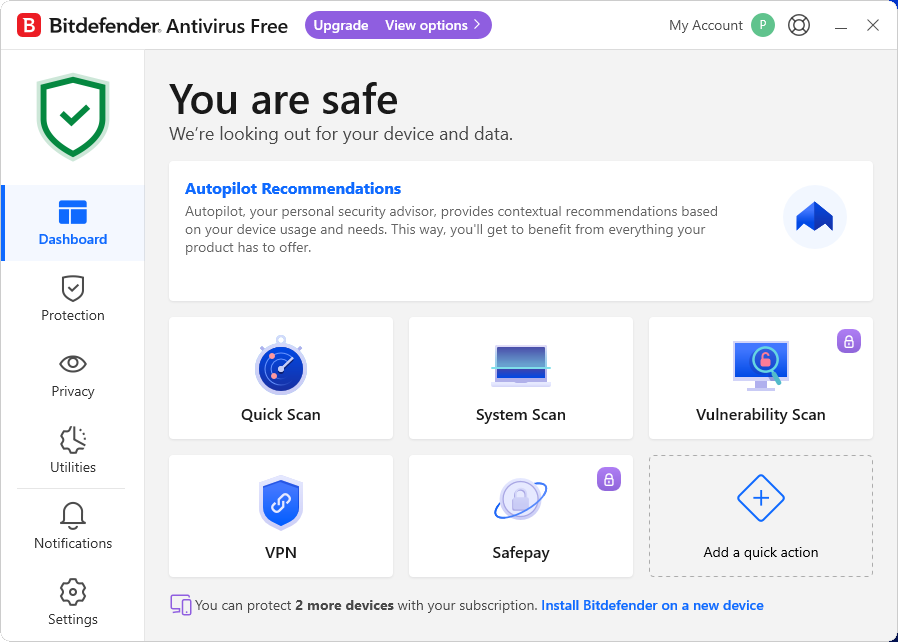
Free antivirus Bitdefender It may have changed, but its core remains the same – focusing on protecting your computer from viruses and other malware, including web threats. You can run a quick scan or a full scan, or create your own custom scans. VPN access is also included, but free users are limited to just 200MB of bandwidth.
And… that's all the possibilities. Everything else is kept under lock and key until you upgrade to a paid subscription. No password managers, desktop tools, or additional ransomware protection. This scans for malware and that's it. Well almost that. The free version of Bitdefender includes phishing protection – if you create a Bitdefender account, you can enable full application protection.
What sets Bitdefender apart is its high rating from independent security organizations, as well as one of the highest malware detection rates, whether you're online or not. So even though it's light on features, it's high on the most important quality you want in a free antivirus.
3. Free Avira security
Pros
- Easy to use and install
- Unobtrusive
Cons
- Many features are missing in the free version
Price when viewing:
For free
Best prices today:
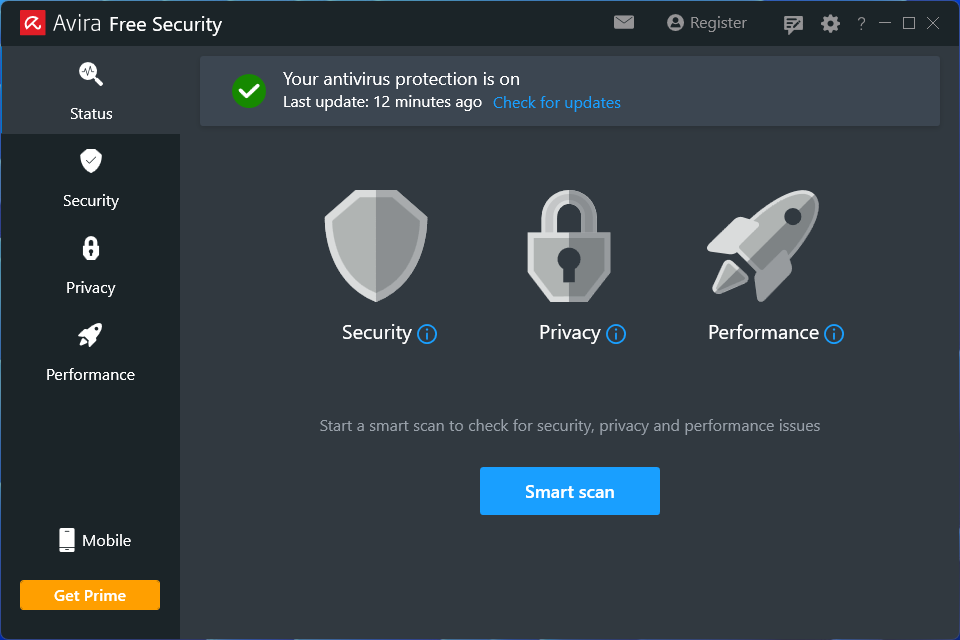
Avira Free includes antivirus protection, a basic password manager, a file shredder and free VPN with a limit of 500MB per month. It's not as full-featured as Avira Prime, but it's fine for the free package.
The free version scans your computer and protects your desktop in real time. But it lacks protection against web and email threats, and additional ransomware protection for your device. The Pro version also lacks an improved PC cleanup feature for removing old files.
Installation with Avira is simple, although it prompts you to install a secure browser (completely optional) and automatically adds the Safe Shopping browser extension to the browsers already installed on your computer, such as Microsoft Edge. Avira still uses several applications for its functions, the most notable of which are the Avira System Speedup for PC and Avira Phantom VPN utilities. If you want a free package that spreads its attention across a broader set of features rather than concentrating on malware protection, this is the software you should look at first.
4. Windows Security
Pros
- Great protection for a free security package
- Works out of the box
Cons
- Good protection, but there are better options
- No additional features to speak of
Price when viewing:
Included in Windows 10 and 11.
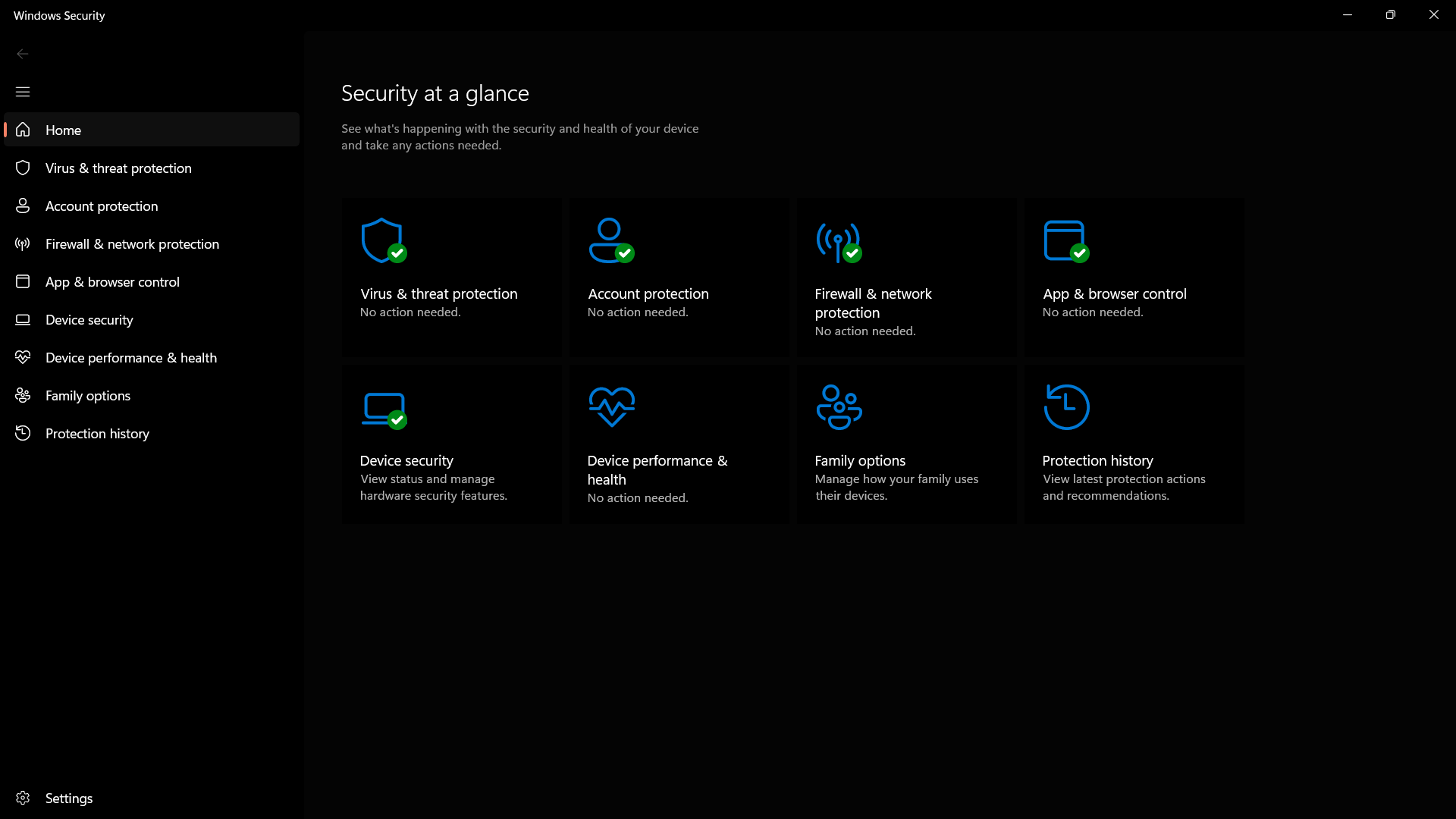
Finally, we come to Microsoft's built-in security solution. A long time ago, we wouldn't even consider Windows Security (formerly known as Windows Defender) for such an article. However, times have changed, and Windows Security is on par with its competitors in third-party testing.
Windows security is very good. There are third-party options that have better detection capabilities based on independent tests, but as long as you don't go to shadier places on the internet, you'll be protected. Windows Security is active by default in Windows 10 and 11 and runs in the background to provide protection against threats.
Read our full
Windows Security Overview
What are you sacrificing with a free antivirus program?
As you can see, there are several effective free antivirus programs to choose from. However, we feel it is important to point out that you Not get it by choosing the free solution. For example, email security is usually a paid feature, which may be of concern to people who are heavy users of a desktop email program.
The free packages also lack advanced security features such as file protection (to protect against ransomware attacks), a sandbox for opening suspicious files, a sandbox browser to protect purchases, an advanced firewall, monitoring of malicious behavior of installed programs, webcam monitoring, and a password manager. Personal data monitoring and other privacy services, such as VPNs, usually also require a paid subscription.
However, if you only need basic antivirus protection that scans your computer and alerts you when problems arise, then one of these packages will do the job without costing you a cent.
Frequently Asked Questions
Will antivirus software slow down my computer?
Perhaps, but probably not. To make sure there is no malware or other threats, antivirus software scans the files and programs on your computer. The longer the time between each scan, the more files they will need to check. These more intensive scans can have a noticeable impact on your computer's speed. Therefore, it is recommended to scan more frequently or even run it at night so that it does not affect the use of your computer.
While antivirus software may have some impact on your computer's speed, it likely isn't the only one, or even the most noticeable one. Other factors, such as unnecessary startup and background programs, insufficient RAM, or even undetected malware, can have a greater impact on your computer's speed than a simple antivirus scan.
What should I do if my antivirus detects a threat?
Ideally, your antivirus software will quarantine and clean up infected files for you. However, this largely depends on what antivirus program you are using.
In general, the antivirus will send you a warning and try to quarantine the infected file to prevent it from spreading. Once the threat has been isolated, the program will give you the option to remove the infection or delete the file altogether.
What is the difference between a full scan and a quick scan?
A full scan performs a comprehensive and thorough check of your entire system. It typically checks system memory, running programs, system backups, email databases, hard drives, and any removable media.
A quick scan only checks a few key areas, including startup programs, system memory, and boot sectors. It may not detect all malware, but it can usually give you an idea of whether your computer has a virus.
We recommend running a full scan once a week, ideally when you are not using your computer (for example, late at night). A quick scan can be performed at any time, but is usually only needed if you notice suspicious activity on your computer.



